
Published by Vizor Lumen, which sells one of the products discussed. This is a comparison of documented information and buying criteria, not an independent hands-on ranking. Sources and retail information checked October 11, 2026; prices, promotions and availability can change.
Quick answer
Vizor Lumen is a $149 option for hands-free capture, Bluetooth audio and connected AI through HeyCyan. Ray-Ban Meta Gen 2 has documented 3K video and uses the Meta ecosystem. Choose by your required workflow and total cost, not an untested claim that one camera or assistant is better.
Vizor Lumen vs Ray-Ban Meta is primarily a question of budget and the features you will actually use. Consider Vizor Lumen if you want a lower-cost entry to camera glasses. Consider Ray-Ban Meta Gen 2 if its documented camera specifications, frame choices and Meta AI experience justify a higher budget.
Compare the right generation
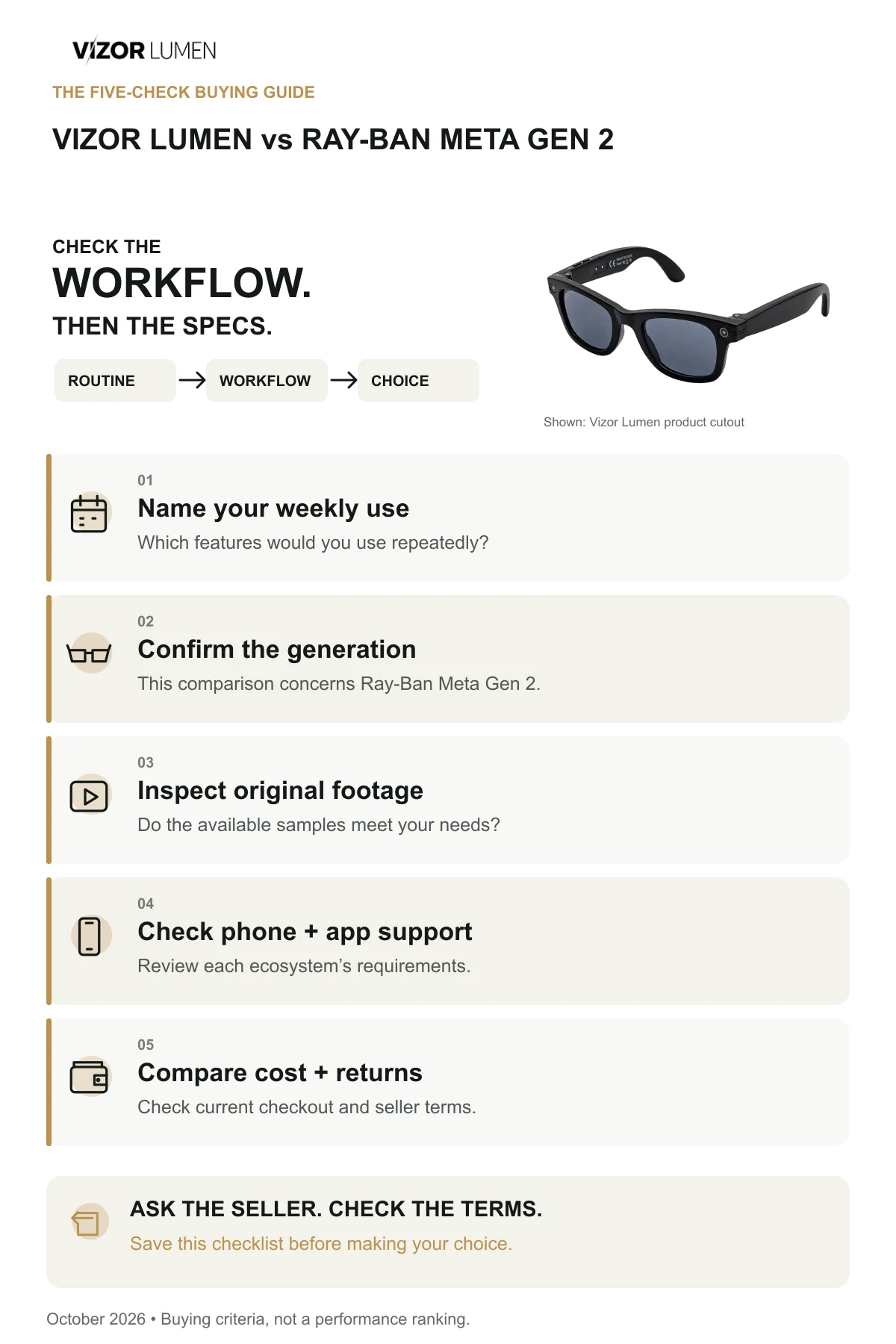
This comparison covers Ray-Ban Meta Gen 2 specifically. It is not a comparison of every current Ray-Ban Meta generation, Ray-Ban Stories or display-equipped Meta models. Generations matter: an older review can describe a different battery, camera or price. Verify the exact model in the cart.
| Buying factor | Vizor Lumen | Ray-Ban Meta Gen 2 |
|---|---|---|
| Price reference | $149 listed on the product page checked for this draft | $379 starting price at the official launch; lens configurations cost more |
| Camera | Supplier lists an 8MP camera | Meta’s Gen 2 announcement documents 3K video |
| AI workflow | Paired phone and companion app | Meta AI ecosystem; check regional availability |
Camera quality: inspect footage, not just megapixels
A photo resolution does not establish video resolution, stabilization or indoor performance. Ask for original sample files showing walking, daylight and an indoor scene. Compare the same lighting and movement before paying for an image-quality advantage. Neither a marketing label nor an enlarged photo proves native 4K recording.
Both products put a camera near your eye line. We have no controlled evidence that one produces more accurate first-person framing, better low-light footage or steadier walking video. For sport-oriented filming, read our camera glasses versus action camera guide.
Battery claims need matching workloads
Meta’s Gen 2 launch information gives a typical-use battery claim, not a continuous-filming comparison. No fixed Vizor Lumen runtime is established in this guide. Those figures cannot establish a battery winner. Continuous video, frequent assistant requests, volume and transfer sessions can change the practical experience. Plan charging around your own use rather than the largest number on a sales page.
AI, privacy and daily setup
Check phone compatibility, app permissions and available assistant languages. A product outside Meta’s ecosystem is not automatically offline or private: companion apps and AI services can process information remotely. Read the applicable app policy and decide what you are comfortable sharing. Recording lights also do not replace asking people before filming them.
Who should choose each?
- Vizor Lumen: shoppers prioritizing the initial purchase budget and everyday hands-free capture, after checking sample footage and app requirements.
- Ray-Ban Meta Gen 2: shoppers who value its documented camera capability and ecosystem enough to spend more.
Which purchase makes sense for your week?
Short everyday clips on a limited budget
Start with your usual recording task: a walk, a cooking step or a short family clip taken with permission. Ask for an original file, check framing and listen to the audio on your own phone. Vizor Lumen is worth considering when that workflow meets your needs and keeping the initial spend lower matters.
A specific Meta feature is essential
If you already know which Meta sharing or assistant feature you want, verify its support for Gen 2, your phone and your region. A lower price is not a saving if the substitute cannot perform the task you bought it for.
You need a display or prescription configuration
This article compares camera-and-audio glasses. It does not compare display-equipped Meta models. Verify prescription support for the exact configuration; Vizor Lumen prescription compatibility is not confirmed here.
Recording transparency
The Vizor Lumen owner confirms red recording LEDs. Explain when you are recording and respect venue rules. A visible light is useful feedback, not blanket permission to record.
Frequently asked questions
Is Vizor Lumen a direct replacement for every Meta feature?
No. Match the particular feature you need, such as assistant support or a sharing workflow, rather than assuming every camera-glasses feature transfers between brands.
Do I need to spend more for casual travel clips?
Not necessarily. Your tolerance for image quality, phone dependence and frame fit matters more than the brand name alone.
Sources and scope
Meta Gen 2 announcement. Vizor specifications come from the linked product page.
Check the Vizor Lumen package before ordering
View current Vizor Lumen options, then check the lens package and HeyCyan setup requirements. The chosen lenses come with a fixed complimentary second set.
The 30-day trial starts from delivery and allows opening and trying the glasses. Customer-paid return postage applies unless the item is defective or incorrect. Check the shipping policy and ask support about your configuration before checkout.