
Published by Vizor Lumen, which sells one of the products discussed. This is a comparison of documented information and buying criteria, not an independent hands-on ranking. Sources and retail information checked October 11, 2026; prices, promotions and availability can change.
Quick answer
For camera glasses under $200, shortlist models by original footage, recording controls, file transfer and fit. Vizor Lumen, OXIVUE M02C and M08 are listed-price examples to investigate. No model wins on megapixels alone, and shipping, tax or lens upgrades can change the final budget.
The best camera glasses under $200 should make the kind of recording you need easy to capture and easy to keep. This guide focuses on video and photo workflow rather than assistant features. It presents a shortlist based on published listings, without an independent image-quality ranking.
A camera-first shortlist
| Model | Listed price checked for this draft | What to verify |
|---|---|---|
| Vizor Lumen | $149 | Original footage and file-transfer steps |
| OXIVUE M02C | $159 | Capture format, clip limits and return eligibility |
| OXIVUE M08 | $149 | Model-specific recording functions and lens configuration |
Check shipping, tax and lens options before treating any item as an under-$200 purchase. These models are examples to investigate, not an exhaustive survey of every camera-glasses listing.
Five recording checks that matter
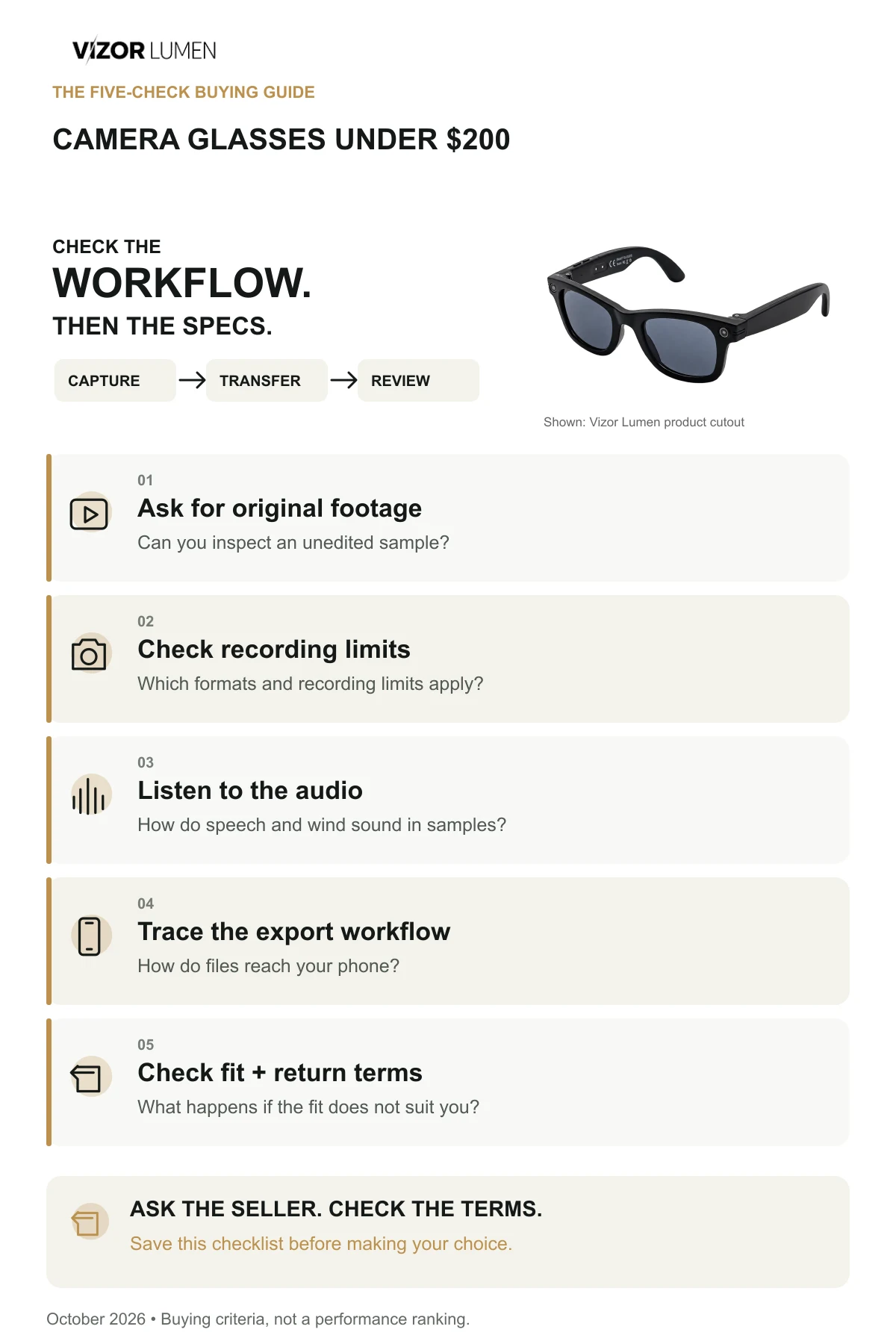
1. Ask for an original video file
Look at the file on the screen you normally use. Inspect daylight, indoor exposure, walking motion and speech. A compressed social-media montage can hide problems, while a megapixel number describes photos rather than the entire video experience.
2. Confirm the exact recording mode
Ask for resolution, frame rate, orientation and maximum clip duration. Clarify whether the listed resolution is native capture or an enlarged output. Check how recording starts and what feedback tells you it has started or stopped.
3. Understand storage and export
Ask how many clips can be kept, how files move to your phone and whether the export keeps the original quality. Practice the workflow before a trip. A camera is less useful if getting footage off it becomes a regular obstacle.
4. Match battery claims to filming
Music-playback and standby claims do not establish continuous recording time. Ask about the recording workload you expect, charging while travelling and whether the charging cable is proprietary. Pack around realistic sessions rather than an all-day marketing headline.
5. Check fit and seller support
Glasses must sit securely enough for the camera to point where you expect. Confirm frame measurements and lens requirements. Read the return policy before treating an unfamiliar frame as a risk-free experiment.
Which kind of buyer needs camera glasses?
Camera glasses can suit short everyday clips where keeping your hands available matters. They can be appealing for a walk, cooking demonstration or travel memory. Your phone remains useful when you want to review framing immediately or choose a different camera angle.
For swimming, rough activities or a mounted filming position, investigate a purpose-built action camera instead. Our camera glasses versus action camera guide covers that category decision. Water resistance claims should always be interpreted through the specific manufacturer’s instructions.
A repeatable sample-footage checklist
- Walking: ask for a short original clip with ordinary head movement. Look for distracting shake and whether the scene stays framed.
- Indoors: inspect faces and text under normal room lighting. Do not infer low-light performance from a sunny outdoor clip.
- Speech: listen to a nearby conversation recorded with permission. Judge intelligibility before background music is added.
- Export: check whether the original file reaches your phone without an unwanted crop or quality change.
Use the same viewing screen for each sample. Treat missing samples as uncertainty rather than proof of poor quality. A seller demonstration can establish how a workflow operates, but it is not an independent test.
What the Vizor Lumen configuration includes
The supplier lists an 8MP camera; interpolated output up to 32MP is a photo-output figure, not a native 32MP sensor or a video specification. The owner confirms red recording LEDs. The retail offer includes your chosen lens set and a fixed complimentary second set. Read the lens guide and HeyCyan setup guide before deciding whether the package fits your routine.
FAQ
Does an 8MP camera guarantee good video?
No. Sample footage and documented video formats are more informative than the photo resolution alone.
Are AI features necessary for camera glasses?
No. If capture is the goal, evaluate recording independently from assistant functions.
Can I record people without asking?
Follow local rules and venue policies, and ask before filming private interactions. A visible indicator is not a substitute for appropriate consent.
Sources and scope
OXIVUE M02C and OXIVUE M08 official listings.
Check the Vizor Lumen package before ordering
View current Vizor Lumen options, then check the lens package and HeyCyan setup requirements. The chosen lenses come with a fixed complimentary second set.
The 30-day trial starts from delivery and allows opening and trying the glasses. Customer-paid return postage applies unless the item is defective or incorrect. Check the shipping policy and ask support about your configuration before checkout.