

Published by Vizor Lumen, which sells one of the products discussed. This is a comparison of documented information and buying criteria, not an independent hands-on ranking. Sources and retail information checked October 11, 2026; prices, promotions and availability can change.
Quick answer
Choose AI smart glasses under $200 by a task you can verify, such as asking a question or recognizing a photo through the companion app. Vizor Lumen and OXIVUE M02C are examples to investigate. A camera, translation label or low price does not prove every visual-AI function works on every model.
The best AI smart glasses under $200 depend on which task you need the assistant to perform. A low price is useful only when the glasses, app and connected services support that task. This is a small manufacturer-information shortlist, not a tested ranking of the entire market.
A shortlist to investigate
| Model | Listed price checked for this draft | Reason to investigate |
|---|---|---|
| Vizor Lumen | $149 | A budget entry to phone-connected camera glasses |
| OXIVUE M02C | $159 | A model with documented visual-AI and translation workflows |
These are listed prices before possible tax, delivery or lens upgrades. Availability and discounts change. A model qualifies for your budget only when the complete configuration is affordable at checkout.
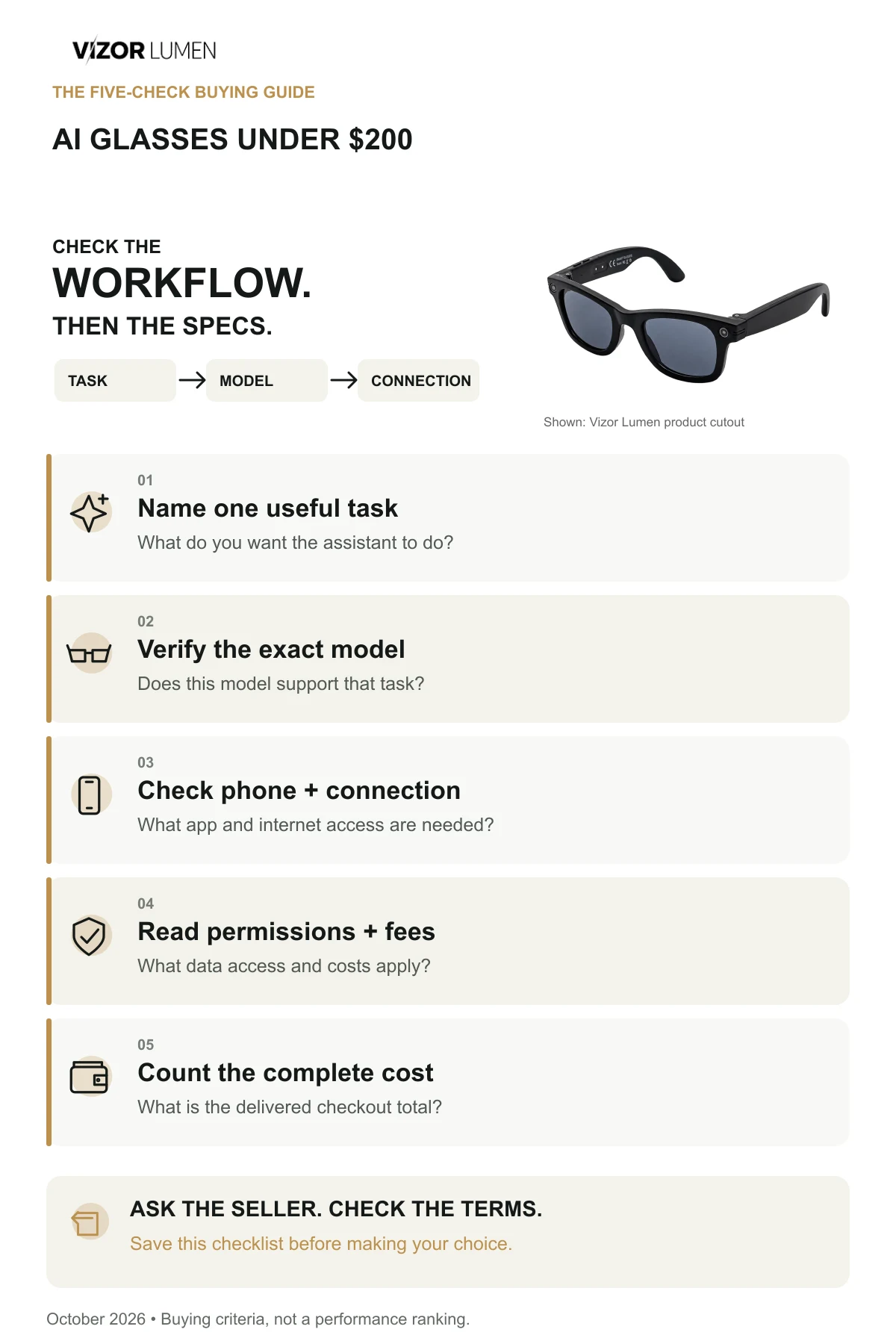
What should count as useful AI?
Write down one or two tasks before comparing products: asking questions aloud, translation, or asking about something in front of the camera. Check whether each task works on the specific model. Audio assistance, camera capture and visual recognition are distinct capabilities; a camera on the frame does not establish that an assistant can interpret its images.
Ask how the feature starts, which companion app it uses and whether your language and phone are supported. A demo for a different model is not enough. If the seller cannot explain your intended task, treat that uncertainty as part of the buying decision.
The budget checklist
- Complete cost: include the lens configuration, shipping and any documented optional service charges.
- Phone dependence: check the phone operating system, app permissions and internet requirements.
- Fit: verify frame dimensions and whether your prescription needs can actually be met.
- Capture: ask for an original video file, not only a promotional montage.
- Support: distinguish a limited warranty from a return policy.
What you should not assume at this price
Do not assume a display, offline assistant, unlimited recording, native 4K video or universal language support. Those are separate features that require evidence. Similarly, a large advertised battery figure may describe music playback rather than filming or repeated assistant use.
Outside-Meta products can still use cloud services. Evaluate the companion app policy and permissions before sending personal material through an assistant. Budget and privacy are separate decisions.
Choosing between these options
Start with Vizor Lumen if its current configuration and verified workflow fit your budget. Compare the M02C if its documented AI workflow appeals to you, while reviewing its seller terms carefully. Do not infer another model’s visual-AI capabilities from the shared brand name.
If your priority is recording rather than assistant features, use a camera-first checklist. Read our existing camera glasses versus action camera comparison before deciding what kind of equipment you need.
Three questions to ask during an AI demonstration
- What happens before the answer? Ask whether you need to capture a photo, open a phone app or press a control. Understand the actual sequence.
- What happens when connectivity changes? Ask which functions need a phone or internet. Do not assume a cloud-connected demonstration works offline.
- What information is sent? Review camera, microphone and account permissions, plus the service privacy policy. Avoid using sensitive personal material for a first demonstration.
Try a familiar, non-critical question so you can spot an incorrect answer. If language support matters, use the actual language pair you need. AI can make mistakes; do not rely on it for urgent medical, legal or safety decisions.
Vizor Lumen: capture plus connected AI
The supplier lists photo recognition, questions, translation and transcription through HeyCyan. Availability depends on a supported phone, app and connection. Start with the app setup guide and confirm your intended function with support. This guide does not promise unlimited free AI, a particular AI provider or universal phone compatibility.
Choose a task before buying an upgrade
If you mainly want photos and video, spend your comparison time on capture and export rather than assistant menus. If your main goal is translation, the language pair and interaction steps should decide the shortlist. Paying for functions you rarely use is different from choosing a capable device for a clearly defined need.
FAQ
Are these independently tested recommendations?
No. This shortlist uses published seller information and buying criteria, without hands-on scoring.
Does under $200 include prescription lenses?
Not necessarily. Confirm the full configuration and total at checkout.
Sources and scope
OXIVUE M02C official listings.
Check the Vizor Lumen package before ordering
View current Vizor Lumen options, then check the lens package and HeyCyan setup requirements. The chosen lenses come with a fixed complimentary second set.
The 30-day trial starts from delivery and allows opening and trying the glasses. Customer-paid return postage applies unless the item is defective or incorrect. Check the shipping policy and ask support about your configuration before checkout.